
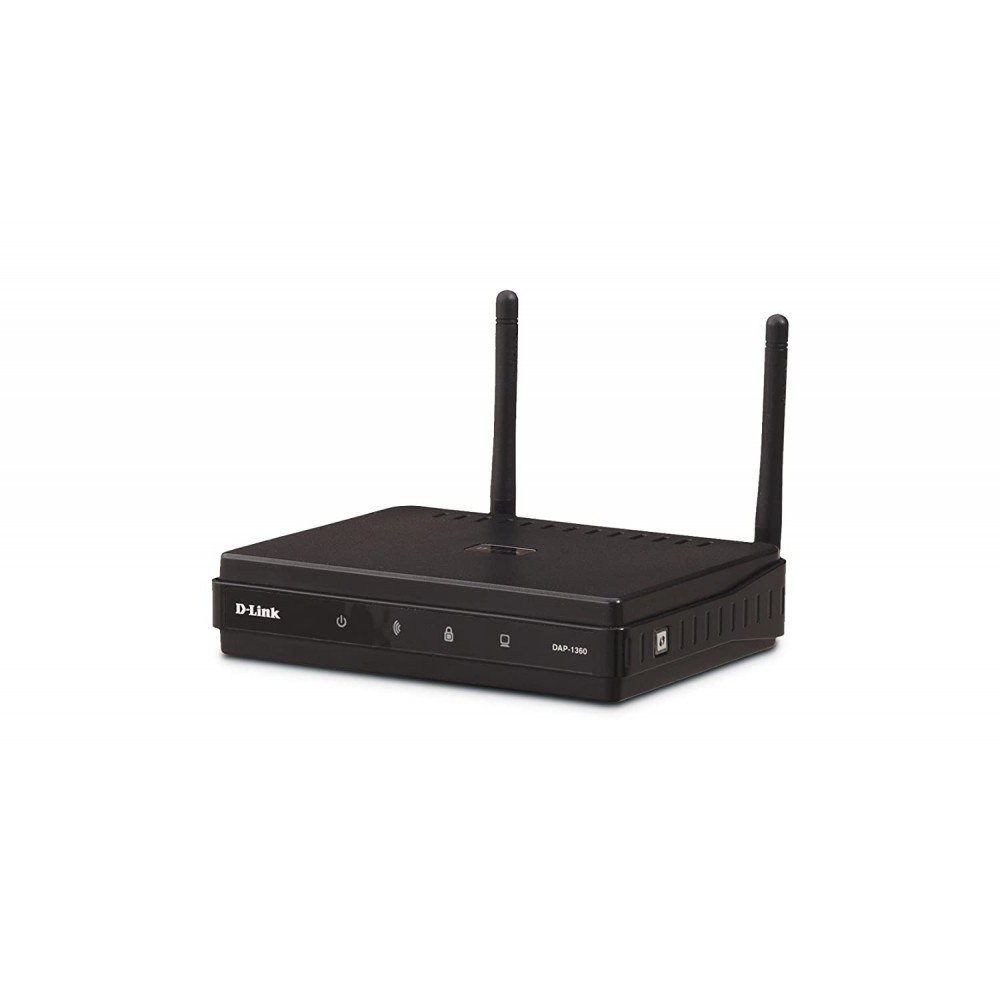

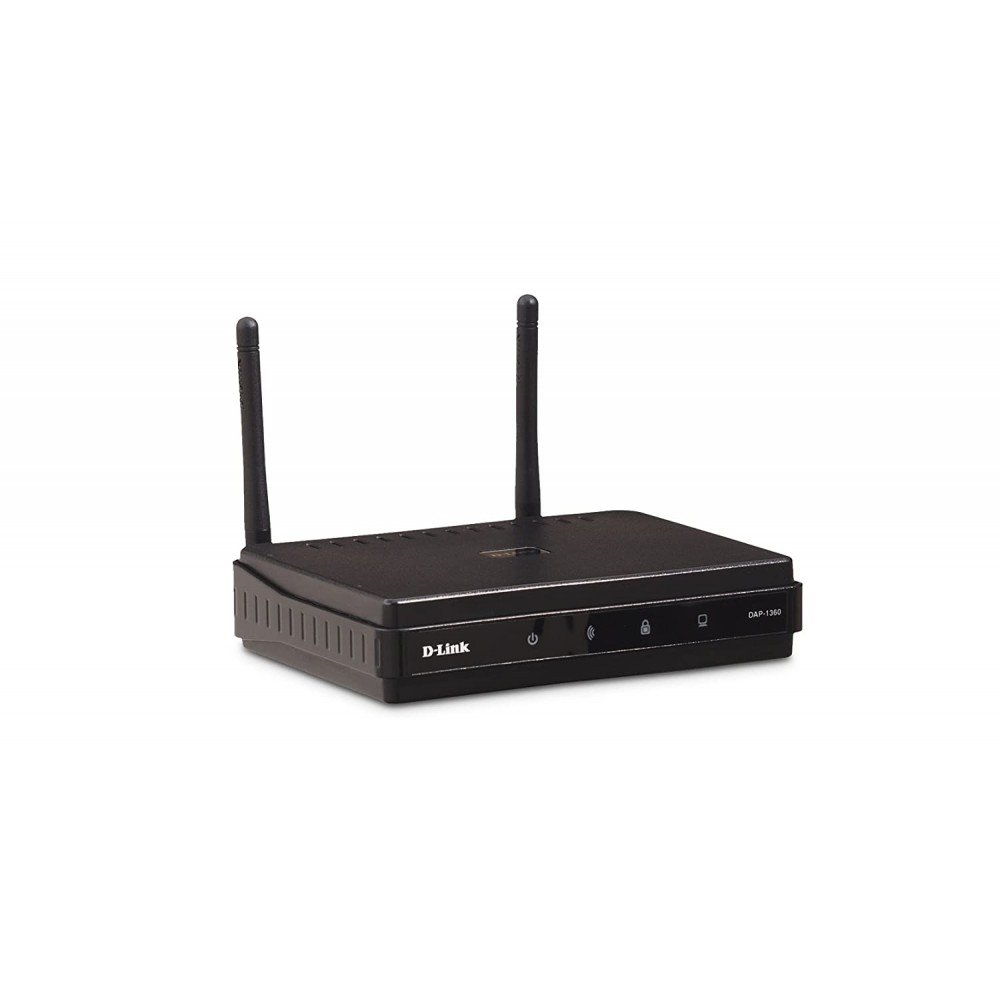


Description
Brands : D-LINK
Product Code: DAP-1360
Network Standard802.11n, IPv4, IPv6
Ethernet StandardFast Ethernet
Antenna TypeExternal Antenna
Wi-Fi SpeedN300
CoverageMedium Homes
category-Fi Extender
Wi-Fi BandSinge-Band
D-Link DAP-1360 is a Wireless N300 Range Extender With, Access Point and WISP-Repeater Modes of Operating, Lets you Easily Expand Your Router’s and Provides a Hassle-Free Experience.
Features
Multiple Operation Modes
The DAP-1360 offers seven modes of operation, which allow you to flexibly configure the device for use with different wireless applications. Access Point Mode allows the device to act as a central hub for wireless users. Wireless Client Mode enables the DAP-1360 to connect to another access point. Bridge Mode can join two wired networks together, while Bridge with AP Mode allows the device to act as a wireless hub and bridge at the same time. Repeater Mode extends wireless coverage to cover all dead spots. WISP Client Router Mode allows wireless Internet service subscribers to share Internet connection with home/office Ethernet-enabled computers without the need for an extra router. Finally, the device can act as a WISP Repeater (Range Extender) to let WISP subscribers share their Internet connection with wired and wireless computers without any extra routers.
Consumer Coverage
Better Wireless Coverage
The D-Link DAP-1360 Wireless N Range Extender can provide your wired network with wireless connectivity or upgrade your existing wireless network and extend its coverage. Enjoy surfing the web, checking e-mail, and chatting with a family and friends online, at faster speeds and from previously out-of-reach locations.
Energy Saving
Effective Power Saving
The DAP-1360 includes a built-in schedule function that can turn the wireless network off when not in use. This feature reduces power consumption, thus saving you both energy and money.
Consumer Laptop
Quick and Easy Installation
With the D-Link setup wizard, you can set up your wireless network in minutes. It configures your DAP-1360’s operating mode and makes it easy to add new wireless devices to the network. Create a simple wireless network for your home or office quickly and easily with the DAP-1360. To get started, open a web browser and go to http://dlinkap or http://192.168.0.50. Enter admin as the user name, and leave the password blank. The setup wizard will guide you through the steps to get your device up and running administrators limit network access
Wireless Encryption
The DAP-1360 provides 64/128-bit WEP encryption and WPA/WPA2 for your network and wireless data. This device also supports Wi-Fi Protected Setup (WPS) to quickly set up a wireless network. In addition, the device features MAC address filtering and a ‘disable SSID broadcast function to limit the visibility of your home or office network.
Specifications
| Dimensions | 149.9 x 114.3 x 35.6mm |
| Environment | Indoor |
| 2.4GHz Speed | 300Mbps |
| 5GHz Speed | – |
| MU-MIMO and Tx beamforming | No |
| Maximum Output Power | NA |
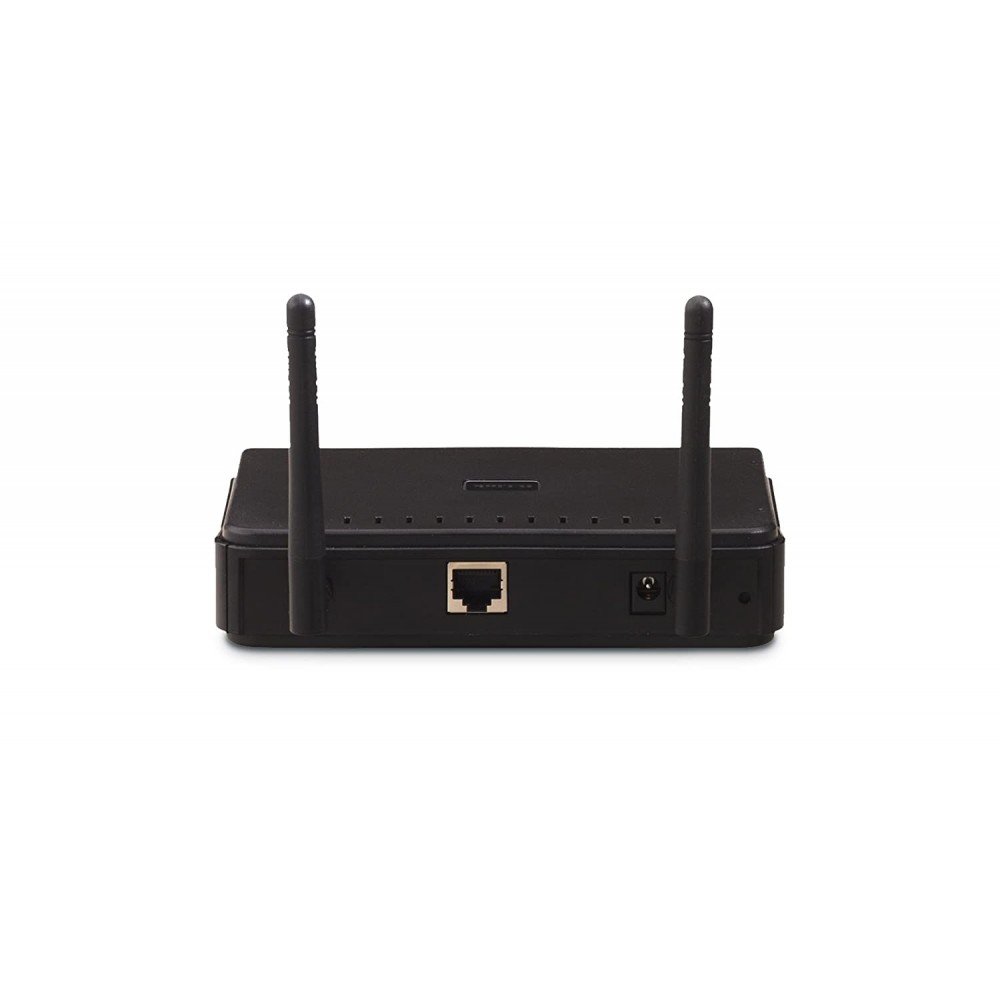
| Interface | 1x 10/100BASE-TX Ethernet LAN port |
| Mounting | No |
| PoE Mode | No |
| Warranty | 3 Years |


Reviews
There are no reviews yet.